Independent · one-person studio

SOLOApps, games & business software,
built end to end.

Solo Apps Studio designs, codes, and ships everything in-house — from cozy consumer apps and arcade games to AI-powered software for enterprise workflows. Here's what's out, and what's next.

19titles
7platforms
100%solo-made

01 Apps

Tools and everyday companions.

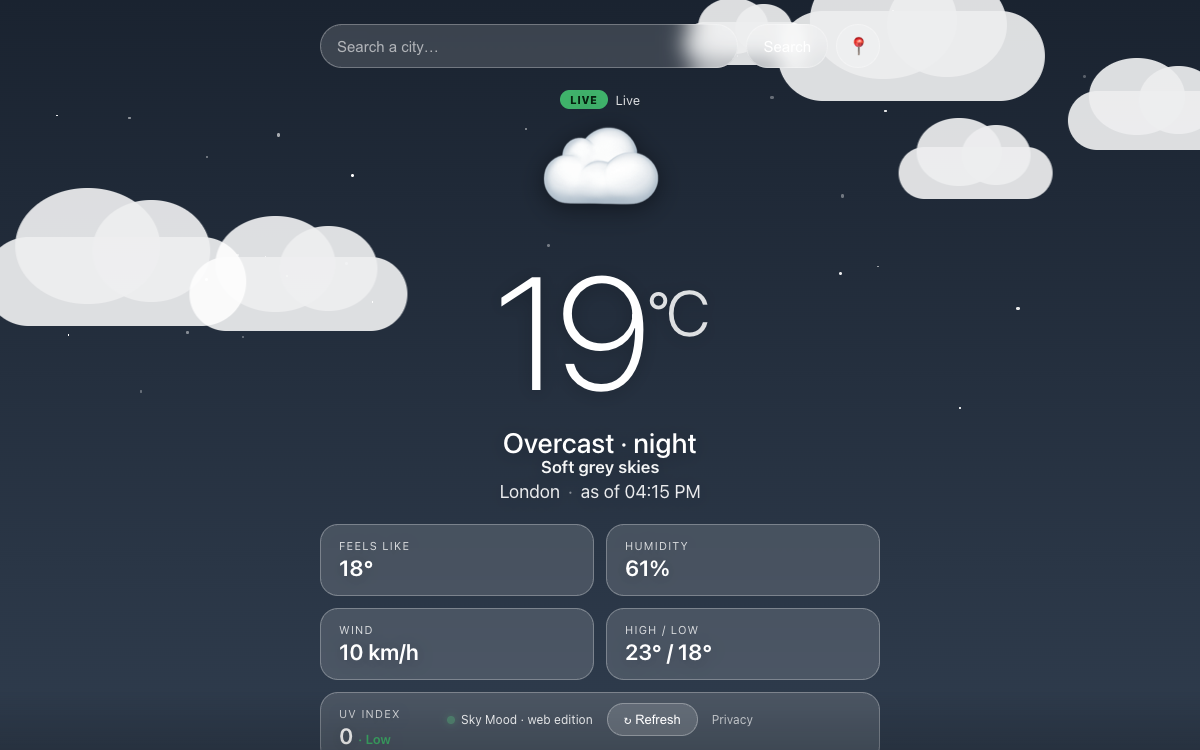
Sky Mood — animated live weather screen
Weather

Sky Mood

See your local weather come alive — animated, real-time, and fully working offline.

Web · iOS (in browser) · Windows · macOS · Linux · Android

First-launch notes & iOS

macOS: pick the Apple Silicon (M1+) or Intel build above. It isn't notarized, so right-click the app → Open → Open the first time to get past Gatekeeper.

Windows (direct): an installable MSIX outside the Store — pick x64 for a regular PC, ARM for an ARM-based Windows PC (e.g. Surface Pro X). It's signed with our own certificate rather than a paid one, so Windows may block the install as untrusted; the Microsoft Store version above installs without that hassle.

Linux: a self-contained binary — chmod +x it, then run.

Android: one universal APK — works on Android 7.0+ (both older 32-bit and modern 64-bit devices), no need to pick a variant. Download it, then allow "install unknown apps" for your browser/file manager when prompted.

iOS: no App Store build needed — open the web version in Safari, then Share → Add to Home Screen to install it like an app.
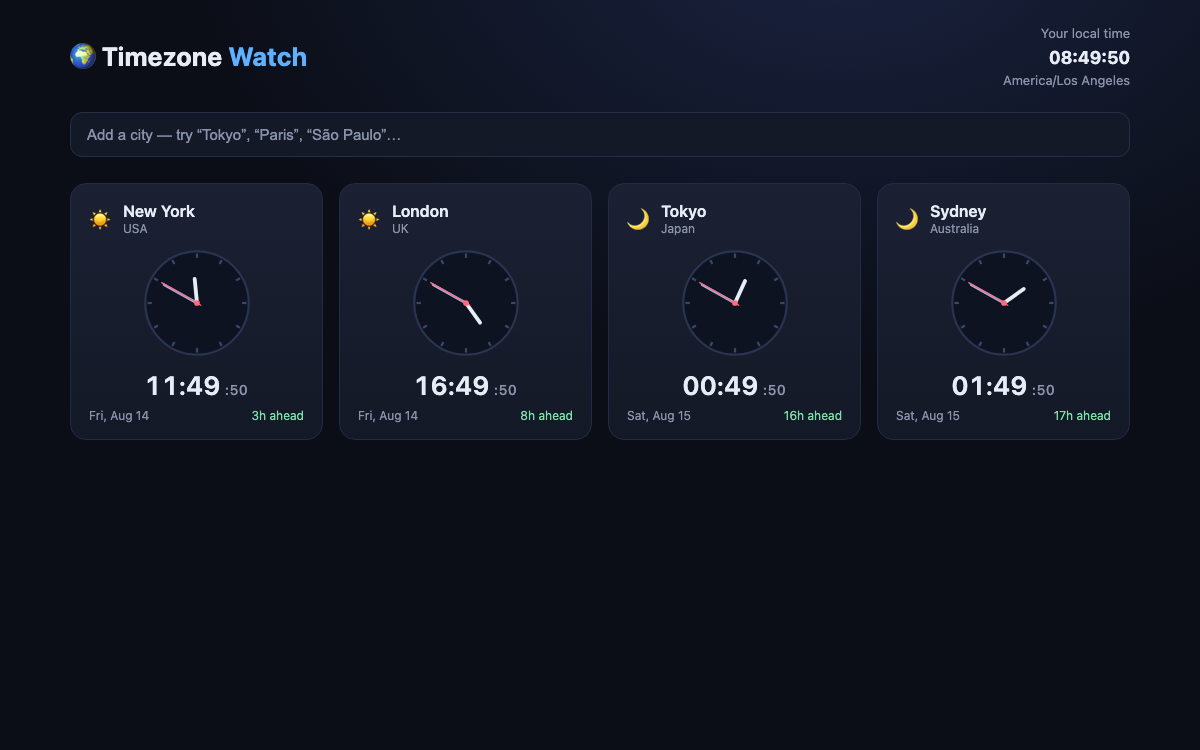
Timezone Watch — live analog and digital clocks for cities around the world
Utilities

Timezone Watch

Live analog & digital clocks for any city — day/night at a glance, time-zone offsets, and your own saved list. Installs like a native app and works offline.

Web · Windows · macOS · Linux · iOS (sideload) · Android

First-launch notes & install as a web app

macOS: a universal build (Apple Silicon & Intel). It's ad-hoc signed rather than notarized, so right-click the app → Open → Open the first time to get past Gatekeeper.

Windows (direct): unsigned — no code-signing certificate, so SmartScreen may warn on first run. The Microsoft Store listing (coming soon) will install without that hassle.

Linux: an AppImage — chmod +x it, then run.

iOS (.ipa): not an App Store build — a sideloadable package signed with a free Apple developer identity via a tool like AltStore. Installs like a real app, but expires after about 7 days and needs re-signing to keep using — the simplest option is usually just installing the web version below instead.

Any platform, as a web app: open Timezone Watch in your browser, then use the browser's Install app option (desktop Chrome/Edge) or Share → Add to Home Screen (iOS/Android Safari/Chrome). Runs in its own window and works offline, no download required.

Microsoft Store: coming soon — the app is built as an installable PWA, ready for Store packaging.

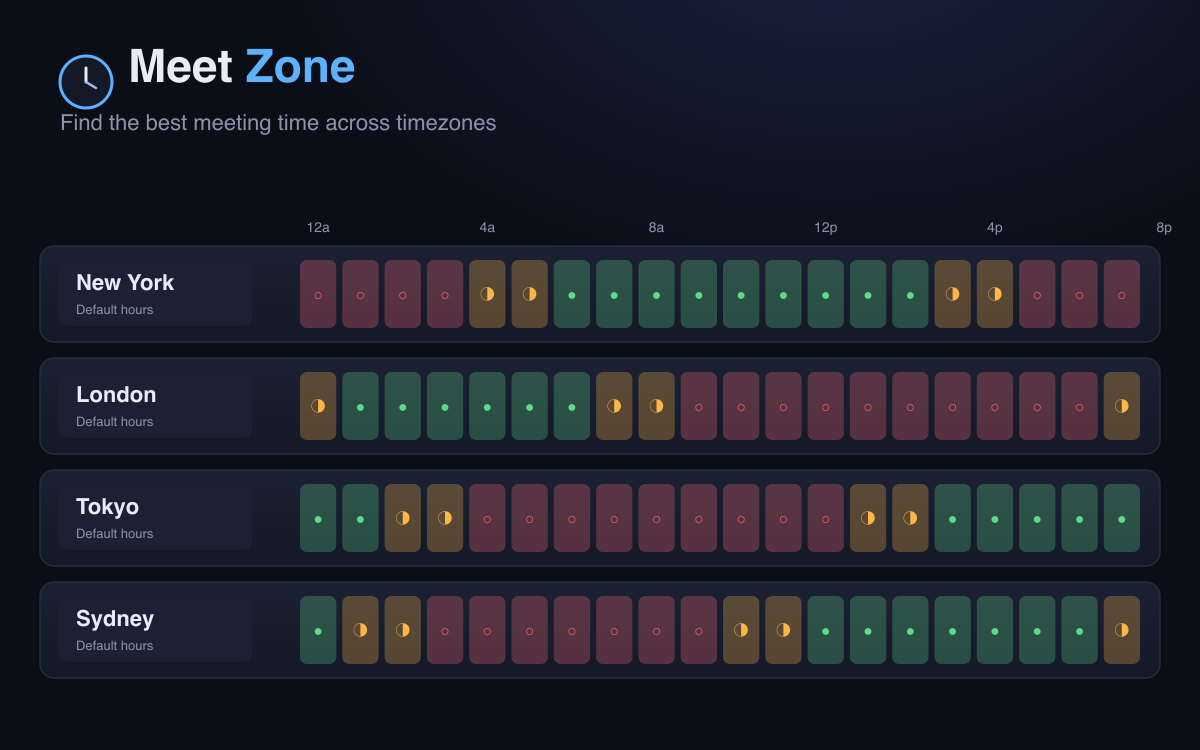
Meet Zone — red, amber, and green meeting-time grid across timezones
Utilities

Meet Zone

Add everyone's timezone and instantly see red, amber, and green across every hour of the day — find a meeting time that actually works, without the mental math. Installs like a native app and works offline.

Web · Windows · macOS · Linux · iOS (installable)

Install as an app

Any platform, as a web app: open Meet Zone in your browser, then use the browser's Install app option (desktop Chrome/Edge) or Share → Add to Home Screen (iOS/Android Safari/Chrome). Runs in its own window and works offline, no download required.

Share a meeting: add your participants, tap Copy share link, and send it — whoever opens it sees the same grid without overwriting their own saved list.

macOS (direct download): Apple Silicon only, unsigned — right-click the app → Open → Open the first time to get past Gatekeeper.

Windows (direct): unsigned — no code-signing certificate, so SmartScreen may warn on first run.

Linux: an AppImage — chmod +x it, then run.

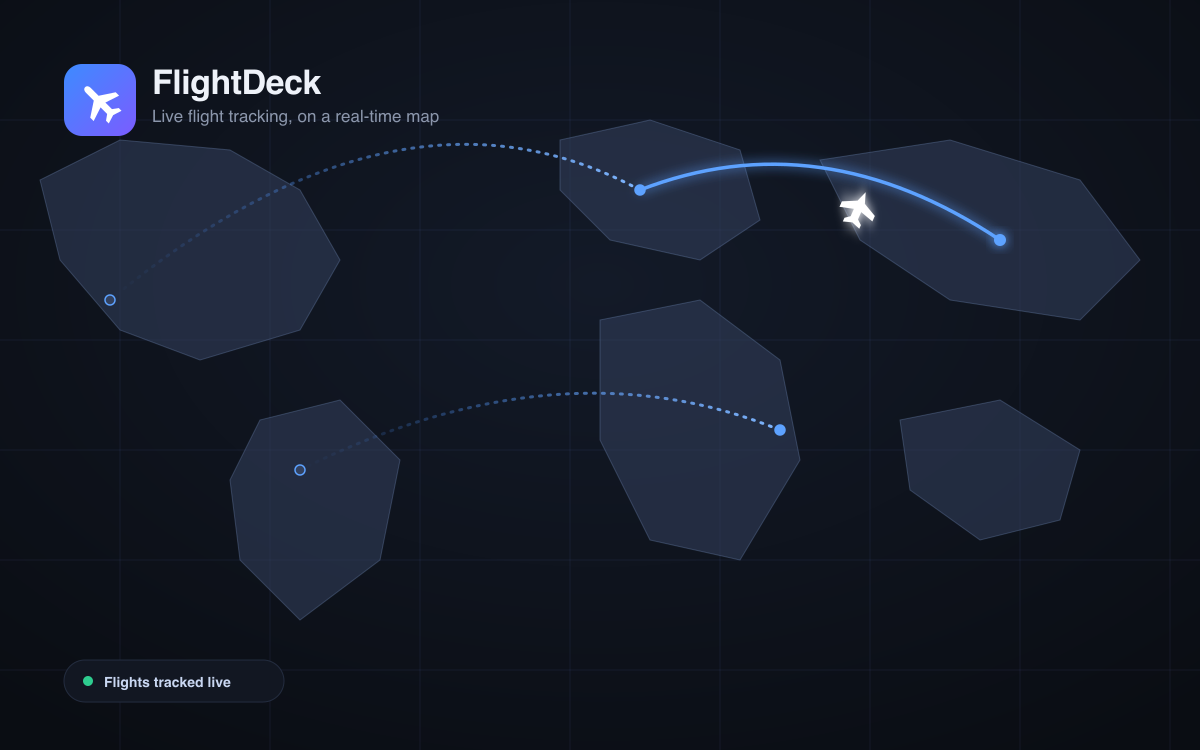
FlightDeck — live flight tracker on a real-time world map
Travel

FlightDeck

Track flights live on a real-time world map — status, gate, timeline, and telemetry, all in one place. Installs like a native app and works offline.

Web · Windows · macOS · Linux · Android · iOS (installable)

Install as an app

Windows / macOS / Linux (desktop Chrome or Edge): open FlightDeck, then click the install icon in the address bar (or menu → Install FlightDeck…). It runs in its own window and works offline.

Windows (sideload, no browser needed): download the ZIP above, unzip it, then right-click install.ps1 → Run with PowerShell. It trusts the package's certificate, installs the app, and launches it — no Store, no browser.

Android: open FlightDeck in Chrome, then menu → Add to Home screen / Install app.

iOS: open FlightDeck in Safari, then Share → Add to Home Screen.

Microsoft Store: the name is reserved and the install package is built — listing goes live once it's submitted and clears certification.

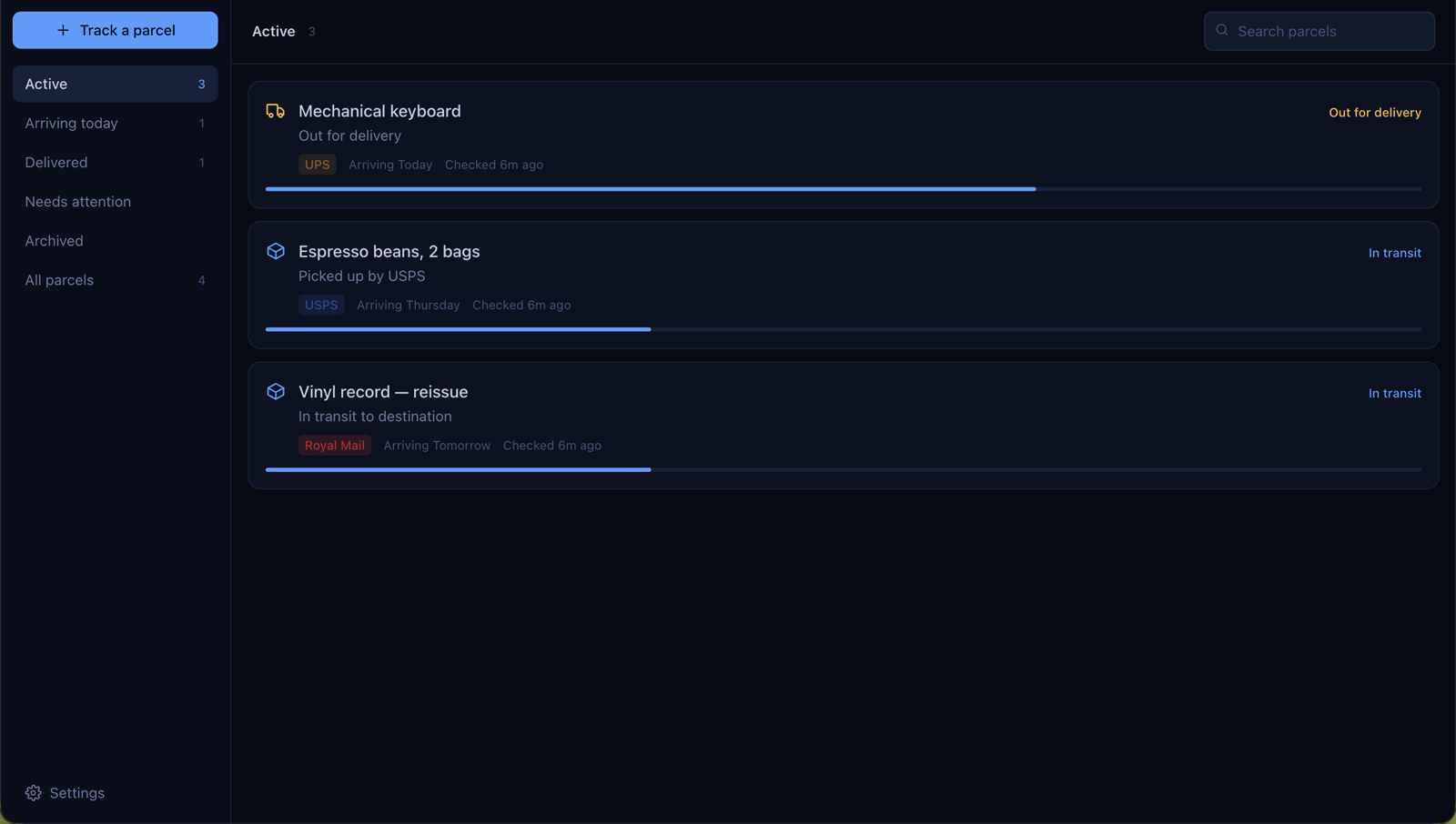
Doorstep — package tracker showing active parcels with carrier and delivery status
Package tracking

Doorstep

Paste a tracking number and Doorstep works out the carrier automatically, then keeps checking in the background — so you find out it's out for delivery from a notification, not by refreshing a carrier site.

Web · Windows · macOS · Linux · iOS (installable)

First-launch notes & install as a web app

Windows (direct): unsigned — no code-signing certificate, so SmartScreen may warn on first run. The Microsoft Store listing (coming soon) will install without that hassle.

macOS: a universal build (Apple Silicon & Intel). It's ad-hoc signed rather than notarized, so right-click the app → Open → Open the first time to get past Gatekeeper.

Linux: an AppImage — chmod +x it, then run.

iOS (.ipa): not an App Store build — a sideloadable package signed with a free Apple developer identity via a tool like AltStore. Installs like a real app, but expires after about 7 days and needs re-signing to keep using — the simplest option is usually just installing the web version below instead.

Any platform, as a web app: open Doorstep in your browser, then use the browser's Install app option (desktop Chrome/Edge) or Share → Add to Home Screen (iOS/Android Safari/Chrome). Runs in its own window and works offline, no download required.

Microsoft Store: the name is reserved (listed as "Doorstep Package Tracker") and the install package is built — listing goes live once it's submitted and clears certification.

02 Games

From quick arcade rounds to atmospheric journeys.

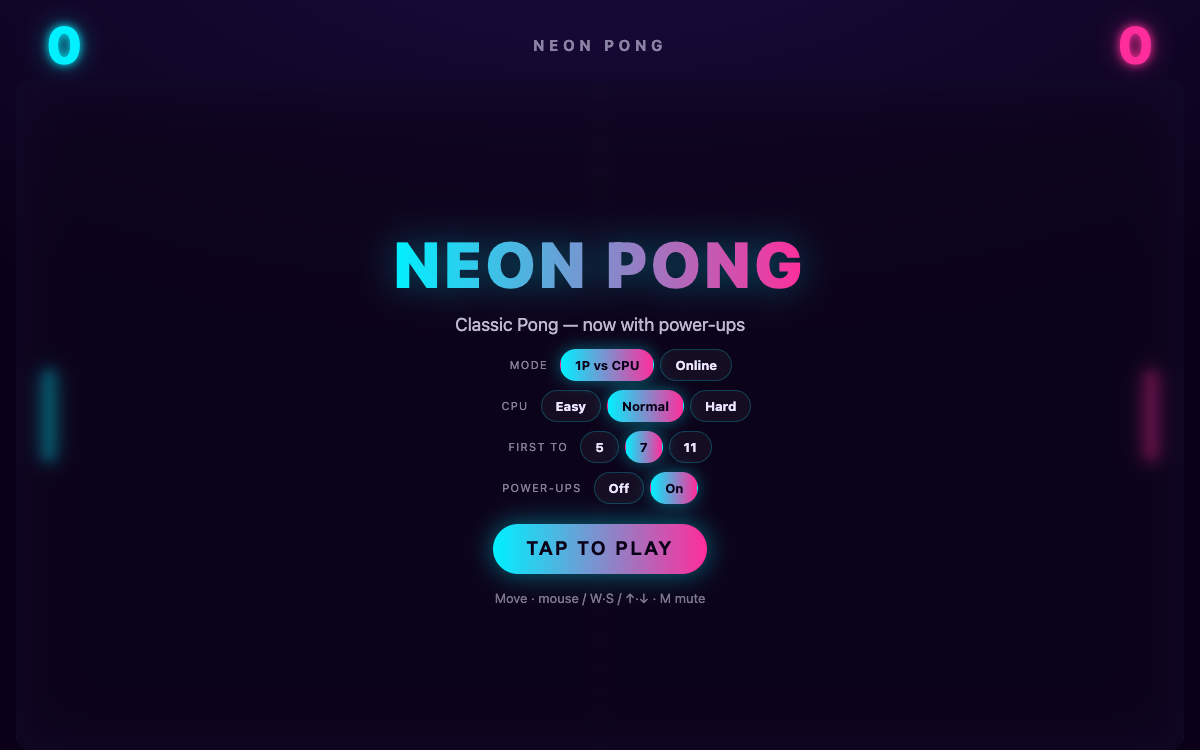
Neon Pong menu screen
ArcadeMultiplayer

Neon Pong

Classic Pong reimagined in neon — with smooth, server-authoritative online multiplayer.

Web · Windows · macOS · Linux · iOS

iOS & first-launch notes

iOS: play the web version in Safari — Share → Add to Home Screen to keep it like an app.

macOS (direct download): Apple Silicon only, unsigned — right-click the app → Open → Open the first time to get past Gatekeeper.

Windows (direct): unsigned — no code-signing certificate, so SmartScreen may warn on first run.

Linux: an AppImage — chmod +x it, then run.

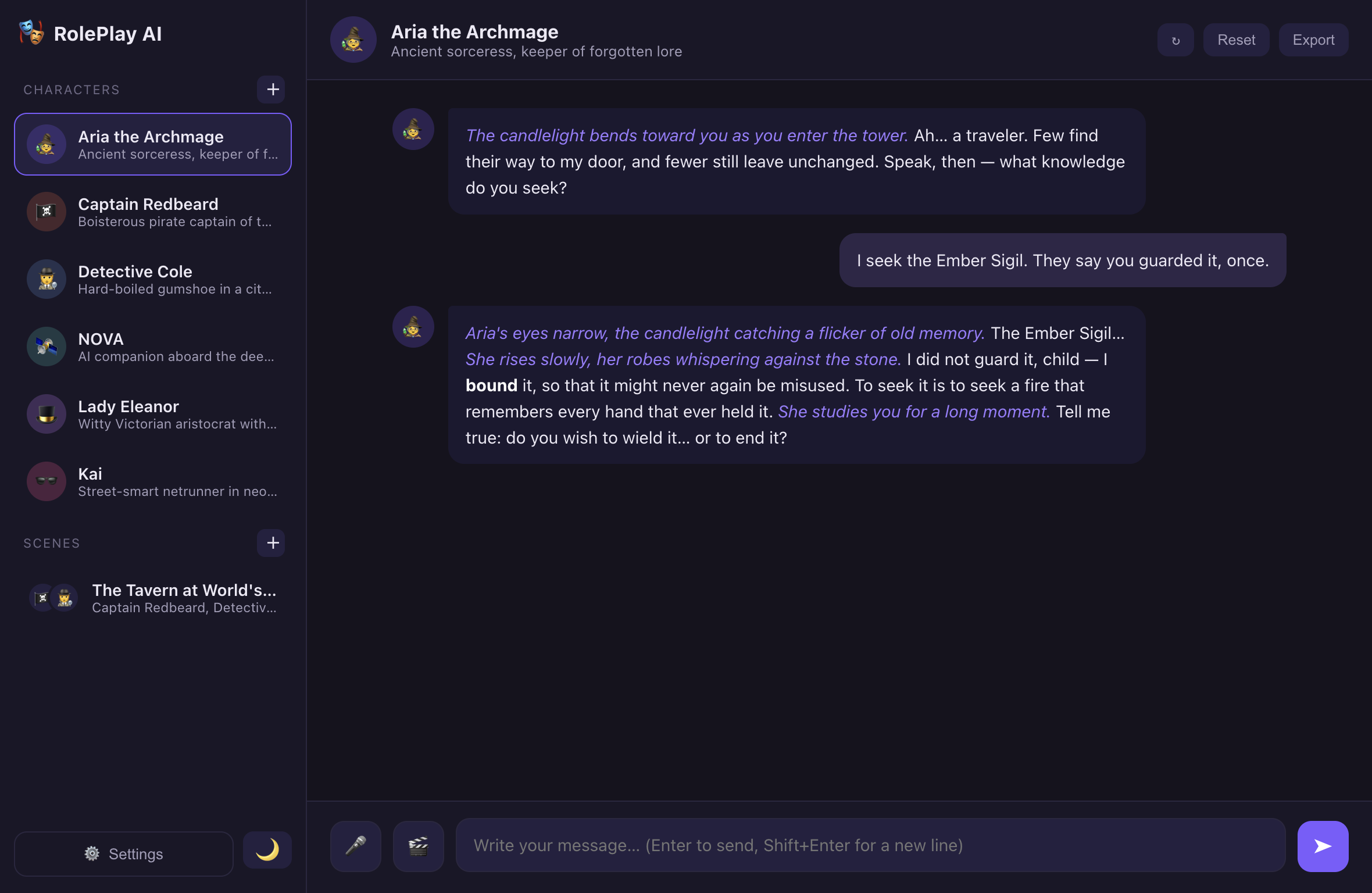
RolePlay AI desktop app screenshot
AIRoleplay

RolePlay AI

An AI role-playing companion powered by Gemini — write scenes, run characters, improvise.

macOS (Intel & Apple Silicon) · Windows

First-launch note

macOS (universal — Intel & Apple Silicon): open the .dmg, drag to Applications, then right-click → Open → Open the first time (it isn't notarized). You'll need a Google Gemini API key to use it.

Windows (x64 — also runs on Windows-on-ARM): if SmartScreen warns, click More info → Run anyway.

Echoes of the Returning key art
Narrative

Echoes of the Returning

An atmospheric narrative journey — drift through memory and return.

Windows · macOS · Linux · Android

Platform notes

Windows is the full graphical app. It's in Microsoft Store certification now — the Store link above goes live automatically once that clears, usually within a few hours. If SmartScreen warns on the direct download, click More info → Run anyway.

macOS & Linux currently ship as a terminal build (same story and choices, text interface) — a native graphical version is in the works. Download the binary for your CPU, then in Terminal: chmod +x Echoes-macos-arm64 && ./Echoes-macos-arm64. On macOS it isn't notarized, so right-click → Open the first time, or run xattr -d com.apple.quarantine Echoes-macos-arm64 first.

Android is a sideload APK — enable "Install unknown apps" for your browser/file manager, then open the downloaded file.

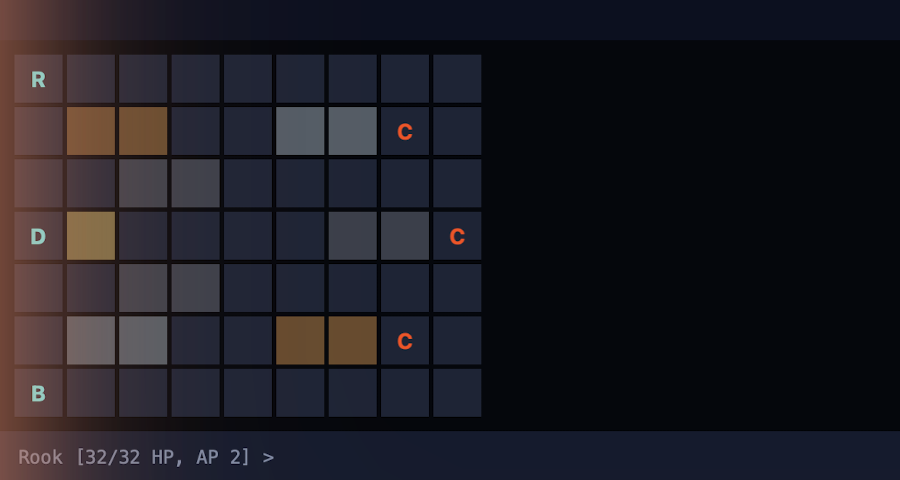
Salvage Company title screen
TacticsRPG

Salvage Company

A tactical, choice-driven squad RPG set on a fractured off-world colony — grid combat, faction politics, four endings.

Windows · macOS · Linux · Android · Xbox (planned)

Platform notes

Windows is the full graphical app, and the platform an Xbox release is planned around. It's in Microsoft Store certification now — the Store link above goes live automatically once that clears, usually within a few hours. If SmartScreen warns on the direct download, click More info → Run anyway.

macOS & Linux currently ship as a terminal build (same squad, campaign and combat, text interface) — a native graphical version is in the works. Download the binary for your CPU, then in Terminal: chmod +x SalvageCompany-macos-arm64 && ./SalvageCompany-macos-arm64. On macOS it isn't notarized, so right-click → Open the first time, or run xattr -d com.apple.quarantine SalvageCompany-macos-arm64 first.

Android is a sideload APK — enable "Install unknown apps" for your browser/file manager, then open the downloaded file.

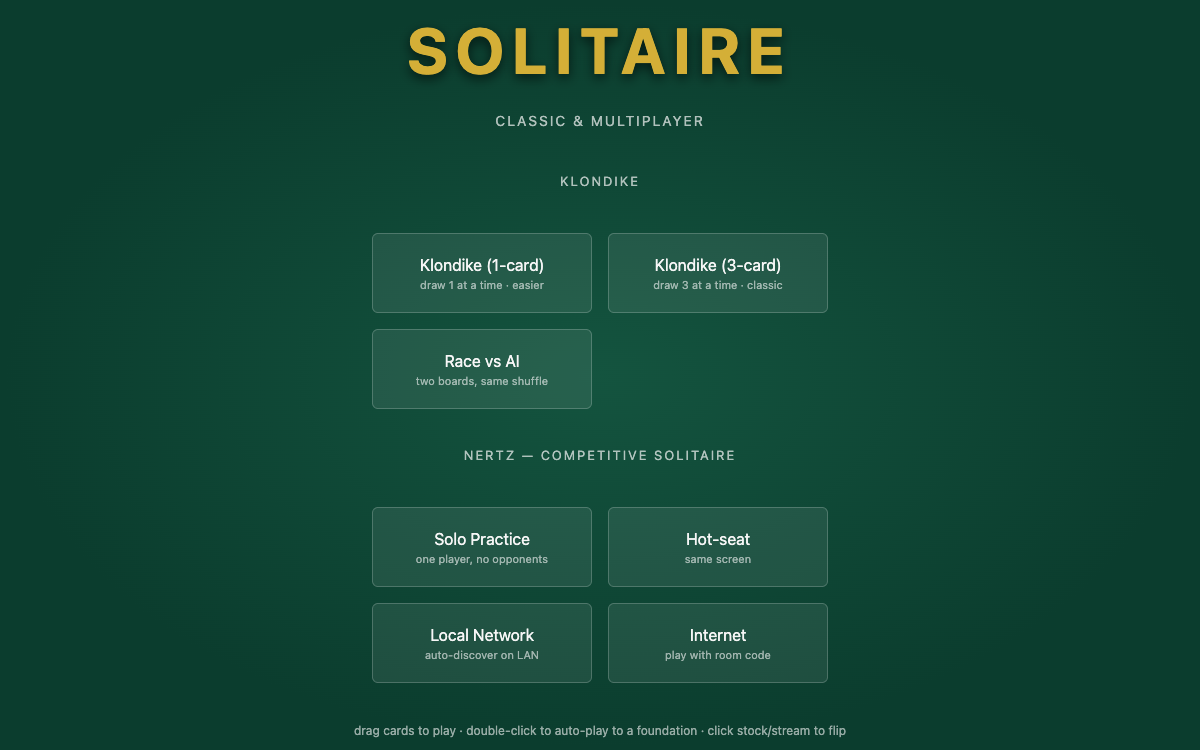
Nertz solitaire mode-select menu
Cards

Nertz

Fast, competitive multiplayer solitaire — play on the same network or across the internet.

Web · iOS (in browser) · macOS · Windows

First-launch note

macOS (universal — Apple Silicon & Intel): it isn't notarized, so right-click the installer → Open → Open; if still blocked, allow it under System Settings → Privacy & Security.

Windows (x64): the installer isn't code-signed, so if SmartScreen warns, click More info → Run anyway.

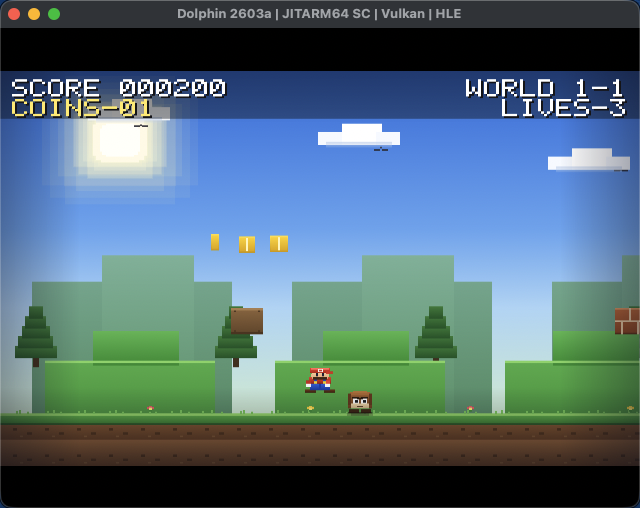
Super Wii Bros gameplay screenshot
Platformer

Super Wii Bros

A Super Mario Bros-style platformer — homebrew, hand-built for the Nintendo Wii.

Wii (homebrew)

How to load it
  1. Copy the SuperWiiBros folder into apps/ on your SD card.
  2. Insert the card into a Wii running the Homebrew Channel.
  3. Launch Super Wii Bros from the Homebrew Channel. Hold the Remote sideways — D-Pad to move, 2 to jump.
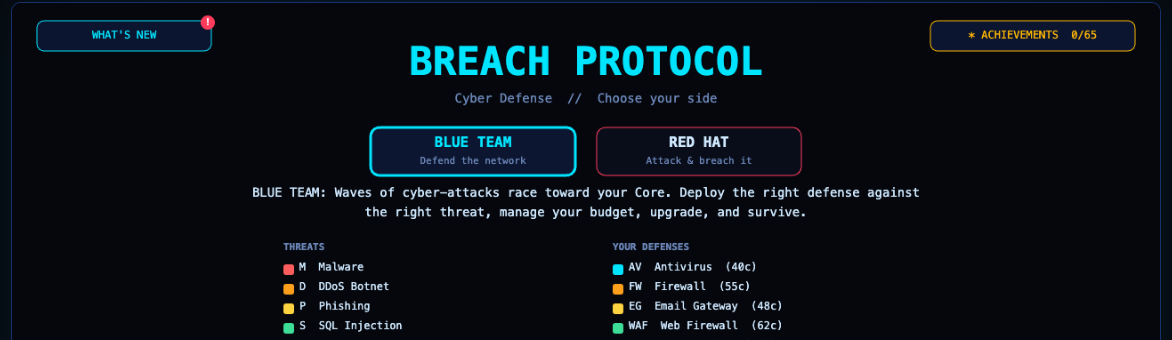
Breach Protocol — choose Blue Team or Red Hat
Strategy

Breach Protocol

A cybersecurity strategy game — defend the network, or breach it as a Red Hat hacker.

Web · iOS (in browser) · Windows · macOS · Linux · Android

First-launch notes

macOS: a universal build (Intel + Apple Silicon). It isn't notarized, so right-click the app → Open → Open the first time to get past Gatekeeper.

Windows (direct): an installer outside the Store, signed with our own certificate rather than a paid one, so Windows may block it as untrusted — click "More info" → "Run anyway" if SmartScreen warns.

Linux: an AppImage — chmod +x it, then run.

Android: sideload the APK — allow "install unknown apps" for your browser/file manager when prompted.

Nightshade Protocol — a simulated Kali Linux desktop
Hacking simPuzzle

Nightshade Protocol

A simulated Kali Linux desktop — scan, crack, and breach your way through six operations to unmask a broker known only as The Architect.

Web · Windows · macOS · Linux · Android

First-launch notes

macOS: a universal build (Apple Silicon & Intel). It isn't notarized, so right-click the app → Open → Open the first time to get past Gatekeeper.

Windows (direct): unsigned — no code-signing certificate, so SmartScreen may warn on first run.

Linux (x64): an AppImage — chmod +x it, then run.

Linux (ARM64): a .deb package (sudo apt install ./NightshadeProtocol-linux-arm64.deb) — cross-compiled, so this one ships as a deb rather than an AppImage.

Android: sideload the APK — allow "install unknown apps" for your browser/file manager when prompted.

Orbital Station Simulator cover art
SimStrategy

Orbital Station Simulator

Run a deep-space outpost — balance power, life support and crew, survive random events, and earn certification by day 30.

Web · iOS (in browser) · Windows · macOS · Linux · Android

First-launch notes

macOS: signed with a Developer ID but not notarized, so right-click the app → Open → Open the first time to get past Gatekeeper.

Windows (direct): an installer outside the Store, signed with our own certificate rather than a paid one, so Windows may block it as untrusted — click "More info" → "Run anyway" if SmartScreen warns.

Linux: an AppImage — chmod +x it, then run.

Android: sideload the APK — allow "install unknown apps" for your browser/file manager when prompted.

Forge Tycoon cover art
IdleTycoon

Forge Tycoon

An idle weapon-shop tycoon — mine ore, forge weapons, and sell them to a queue of eager customers.

Web · Windows · macOS · Linux · iOS (in browser)

First-launch notes

macOS: a universal build (Apple Silicon & Intel), built with Tauri. It isn't notarized, so right-click the app → Open → Open the first time to get past Gatekeeper.

Windows (direct): unsigned — no code-signing certificate, so SmartScreen may warn on first run.

Linux: an AppImage — chmod +x it, then run.

Neon Flappy cover art
Arcade

Neon Flappy

A one-tap neon arcade dodger — thread the pipes, chase your high score.

Web · Windows · macOS · Linux · iOS (in browser)

First-launch notes

macOS: a universal build (Apple Silicon & Intel). It isn't notarized, so right-click the app → Open → Open the first time to get past Gatekeeper.

Windows (direct): unsigned — no code-signing certificate, so SmartScreen may warn on first run.

Linux: an AppImage — chmod +x it, then run.

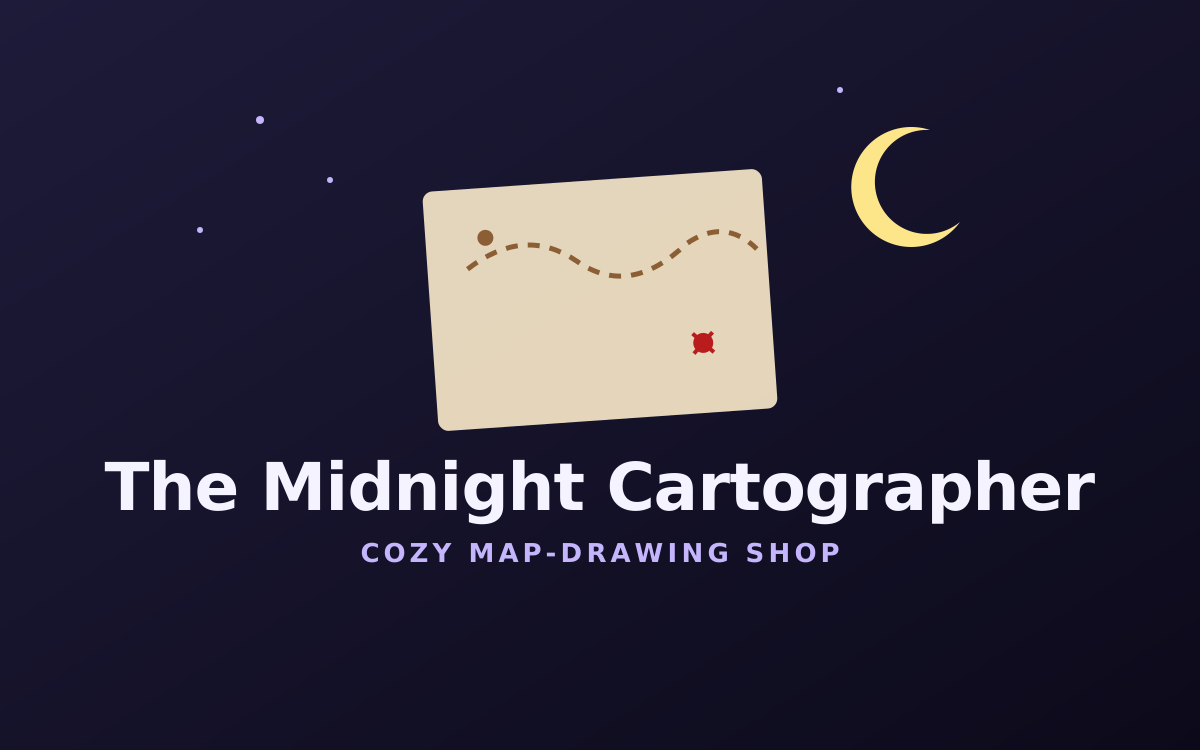
The Midnight Cartographer cover art
CozySim

The Midnight Cartographer

A cozy late-night cartography shop — serve adventurers, monsters and mages, drawing maps from memory and rumor.

Web · Windows · macOS · Linux · iOS (in browser)

First-launch notes

macOS: Apple Silicon only, unsigned — right-click the app → Open → Open the first time to get past Gatekeeper.

Windows (direct): unsigned — no code-signing certificate, so SmartScreen may warn on first run.

Linux: an AppImage — chmod +x it, then run.

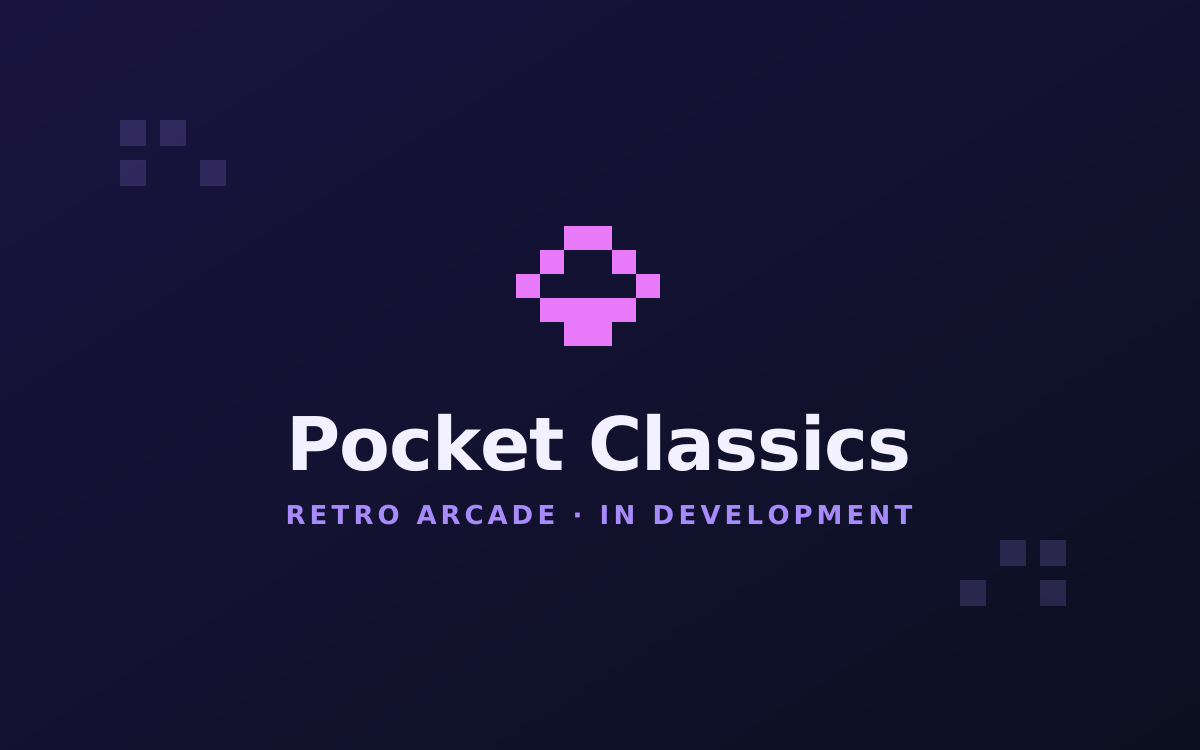
Pocket Classics cover art
RetroCards & Puzzles

Pocket Classics

A pocket-sized collection of bite-size classics — Klondike, Minesweeper, Sudoku, with more on the way.

Web · iOS (in browser)

Rally Sports cover art
SportsParty

Rally Sports

A hub of quick pick-up-and-play sports minigames — bowling, tennis, soccer, golf, and more.

Web · iOS (in browser)

03 Subscribe

Business software, and the studio newsletter.

Business softwareAI

ApprovalIQ

An AI copilot for purchase & vendor approval workflows — it drafts the analysis, flags policy risk, and routes to the right approver. A human always makes the call.

  • Configurable policy rules & automatic approver routing
  • AI-drafted risk summaries alongside deterministic policy checks
  • Full audit trail for every request and decision

Stay in the loop

New releases, betas, and the occasional devlog — straight from the studio. No spam, unsubscribe anytime.

Get in touch

Questions, bug reports, or just hello — send a message and it'll reach the studio directly.

About the studio

Solo Apps Studio is one developer, building complete software end to end — from the first line of code to the store listing or the enterprise pitch. That spans cozy consumer apps, arcade and narrative games, and AI-powered business software like ApprovalIQ. The goal is simple — small, polished, honest software, with no dark patterns and offline-friendly wherever it can be.

Some titles are still finding their final home. Apple builds ship as direct, self-signed installs for now (a paid Apple Developer account is on the roadmap), and a few games are mid-build. Everything here is made by hand.

100% Solo-made

Got an idea worth building?

One developer, no committee, no bloat — just software made by hand. Say hello, or subscribe for the next release.